Receipt scanner
Receipts & Expenses
01
Open a job and tap Receipts
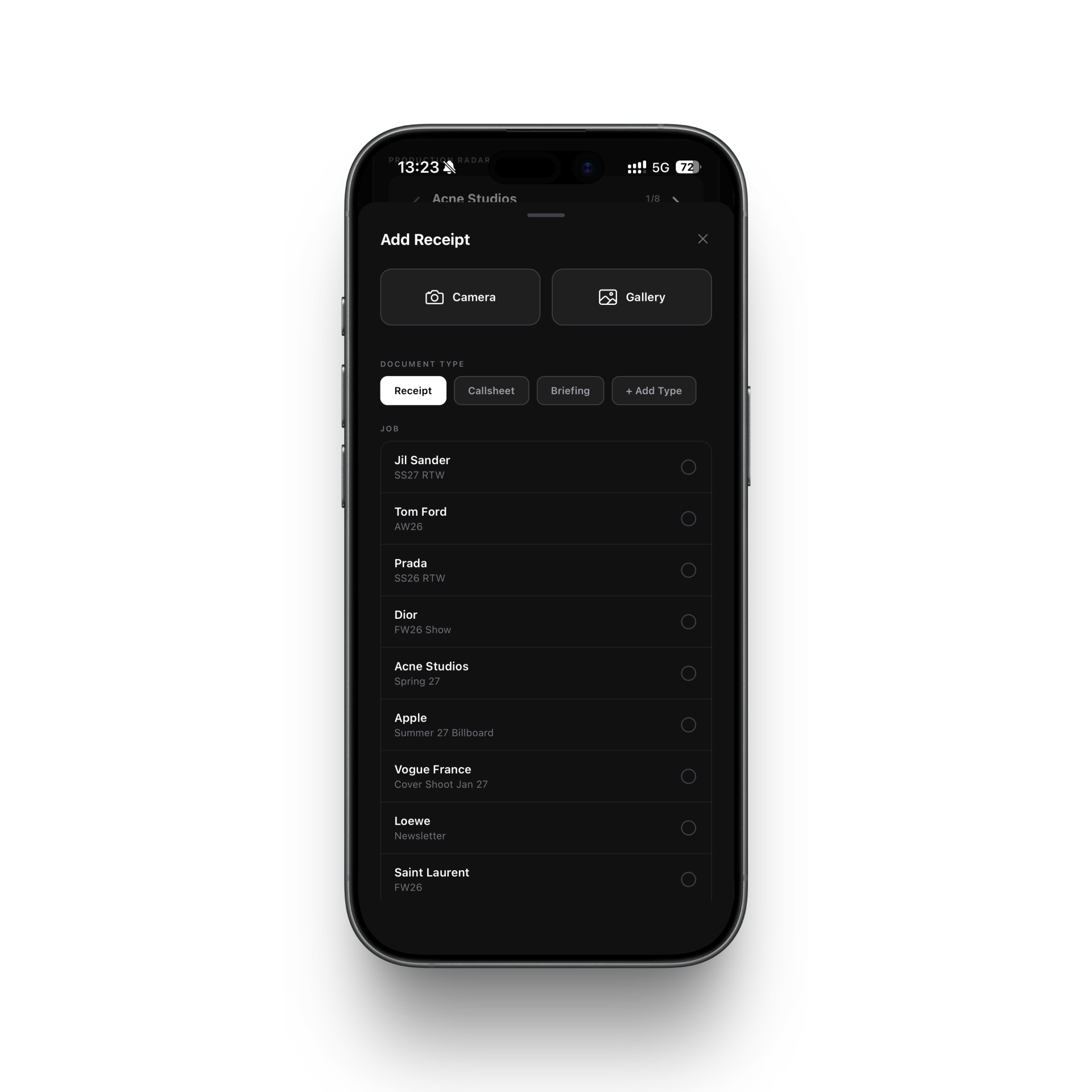
Inside the job card on your iPhone, scroll to the Receipts section and tap Add receipt.
02
Photograph or upload
Take a photo of the receipt directly, or choose an image or PDF from your files.
03
Agency OS scans automatically
The app reads the vendor name, date, amount, and currency using on-device OCR — nothing is sent to a server.
04
Review and confirm
Check the extracted details. Correct anything if needed, add a note, then save.
05
The receipt is attached
The receipt is stored on the job. All receipts and their totals are visible at the bottom of the Receipts section.