Notifications
Alerts & Follow-ups
Option deadline tracking
Jobs with an option deadline show a countdown on the job card: how many days remain, or how long the deadline has passed. You see it in the Pipeline and Dashboard at a glance.
Option follow-up reminders
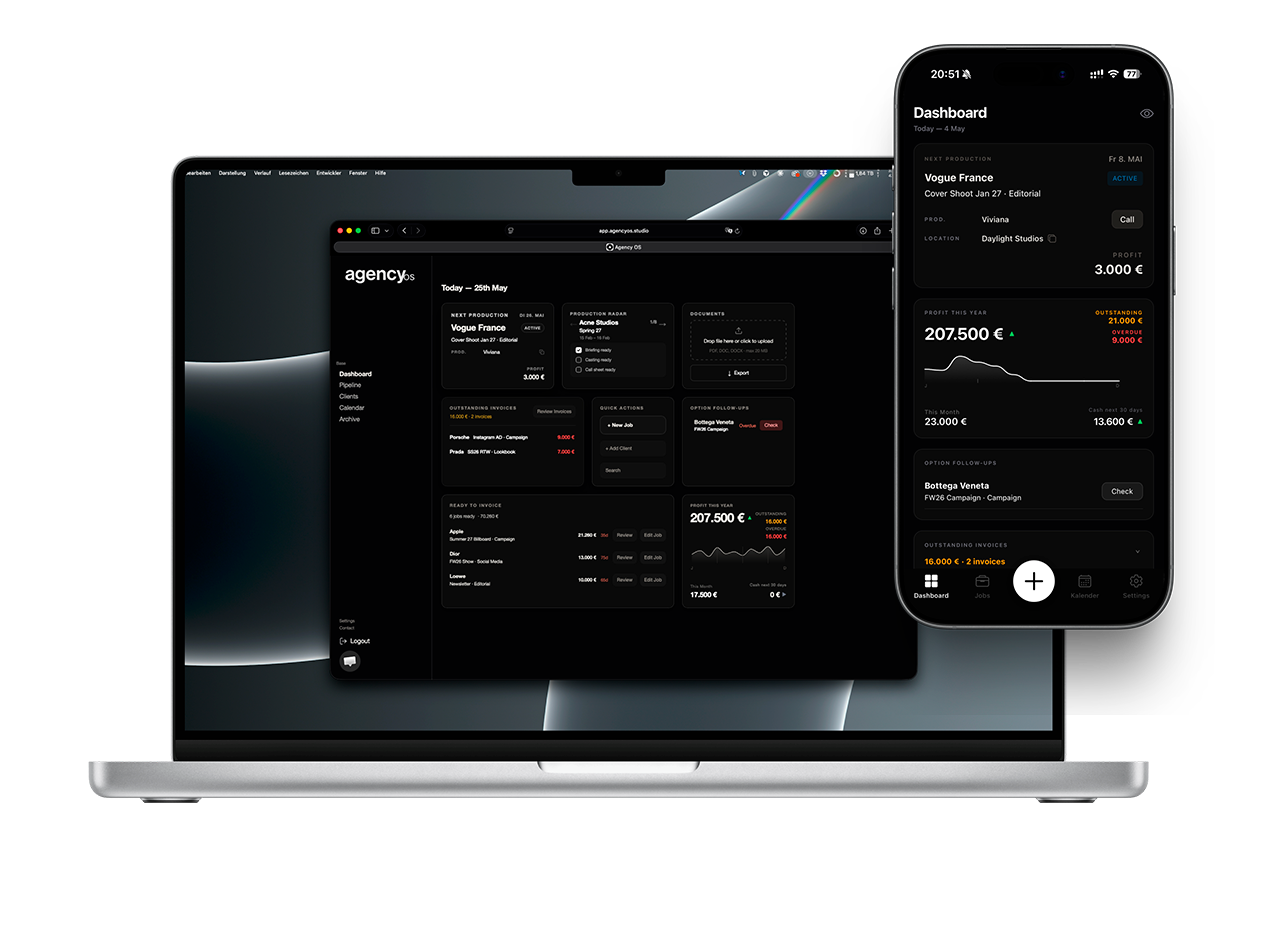
The Dashboard's Option Follow-ups block collects all jobs where a follow-up call is due. Tap or click any entry to open the job directly.
Payment status badges
Invoiced jobs show a colour-coded payment badge: yellow for due soon, red for overdue. The number of days overdue is shown so you know exactly how urgent it is.
Overdue escalation
As payment days increase, the badge escalates: Due Soon → Reminder Recommended → Critical Overdue. The badge disappears automatically once the invoice is marked as paid.
Nothing to configure
All alerts are calculated automatically from your job dates and invoice data. Keep your job statuses up to date and Agency OS handles the rest.