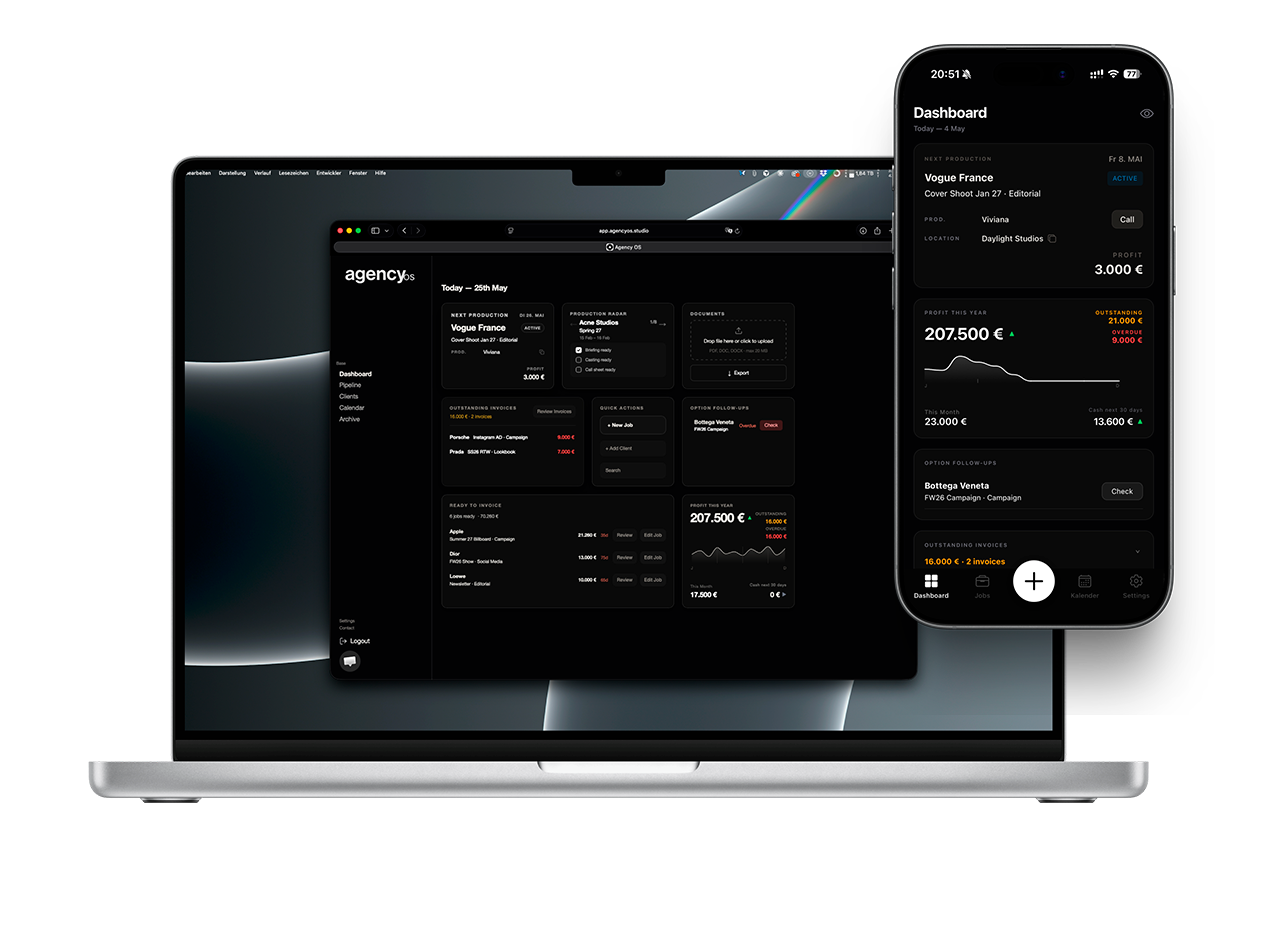
Job management
Jobs
Create a new job
Click or tap + New Job. Set the title, assign a client, and pick a date or date range.
Fill in the details
Add your day rate, production budget, crew, and any relevant notes. Attach documents or briefings if you have them.
Set the initial status: Option
New jobs default to Option. The booking is tentative — it appears in your calendar but is not confirmed.
Confirm the job
Once your client confirms, change the status to Confirmed. The job is now locked in your schedule.
Mark as Active on shoot day
Set status to Active on the day(s) of the production. This is visible in your Pipeline and Dashboard.
Invoice and archive
After delivery, generate an invoice directly from the job. Once paid and closed, set the status to Invoiced, then Archived.